Features
Every feature on this page is in the free Community Edition. Hermes Pro adds six additional operational and administrative capabilities on top — see the Pro feature list.
Anti-spam and anti-malware
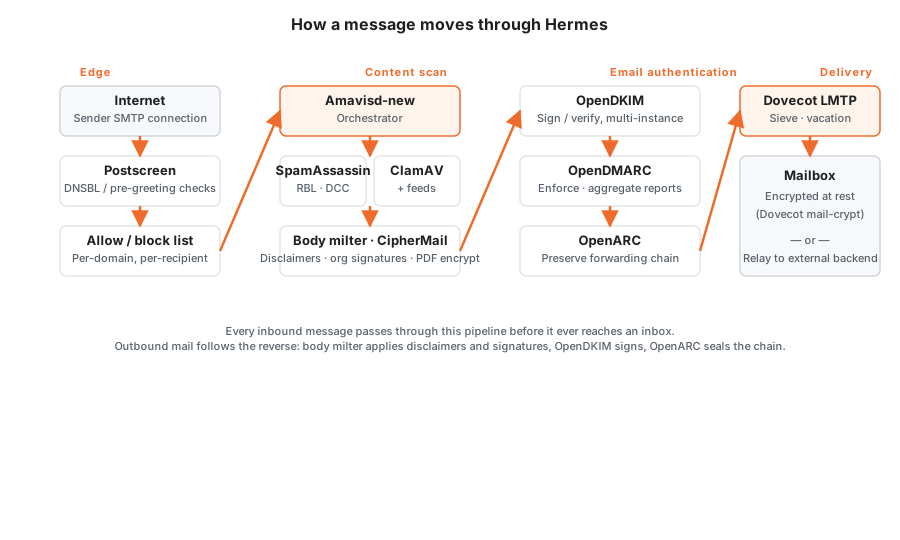
Inbound mail passes through Postfix postscreen, real-time block-list (RBL) checks, and a configurable allow/block list before it ever reaches the content scanner. From there, Amavisd-new orchestrates Apache SpamAssassin and ClamAV in parallel, with per-recipient policies that let you tighten or relax scoring on a mailbox-by-mailbox basis. Custom message rules, score overrides, and file-type expressions let you encode your organization’s specific policies as first-class config, not workarounds.
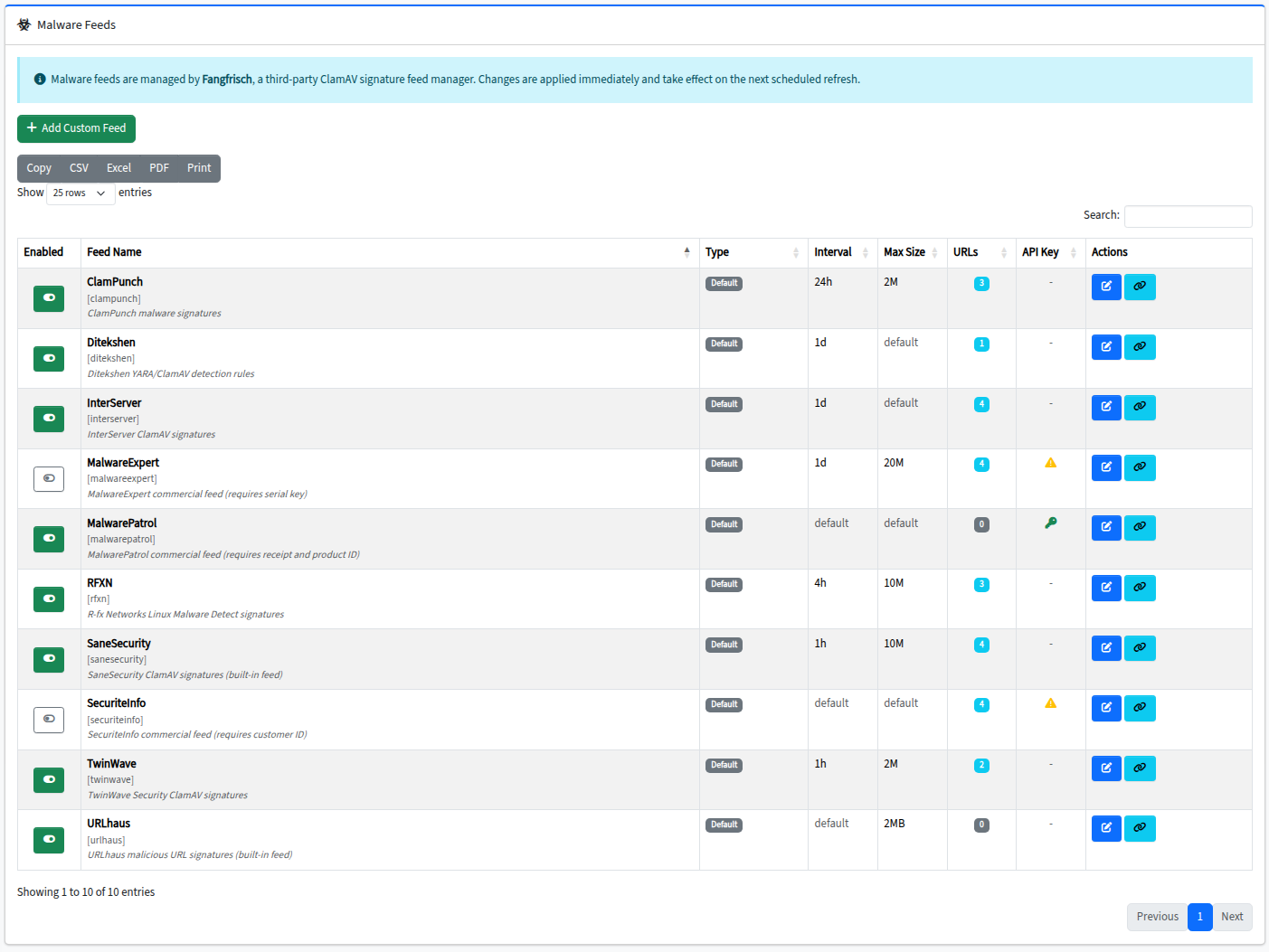
Malware coverage is broader than a stock ClamAV install. Hermes integrates Fangfrisch- managed third-party signature feeds — SaneSecurity, MalwarePatrol, SecuriteInfo, TwinWave, ClamPunch, RFXN, InterServer, Ditekshen, and the official ClamAV feed plus URLhaus — all updated on a scheduler and merged into the active signature set. Suspect mail lands in a per-user quarantine you can search, release, or train from directly in the admin console.
Encryption
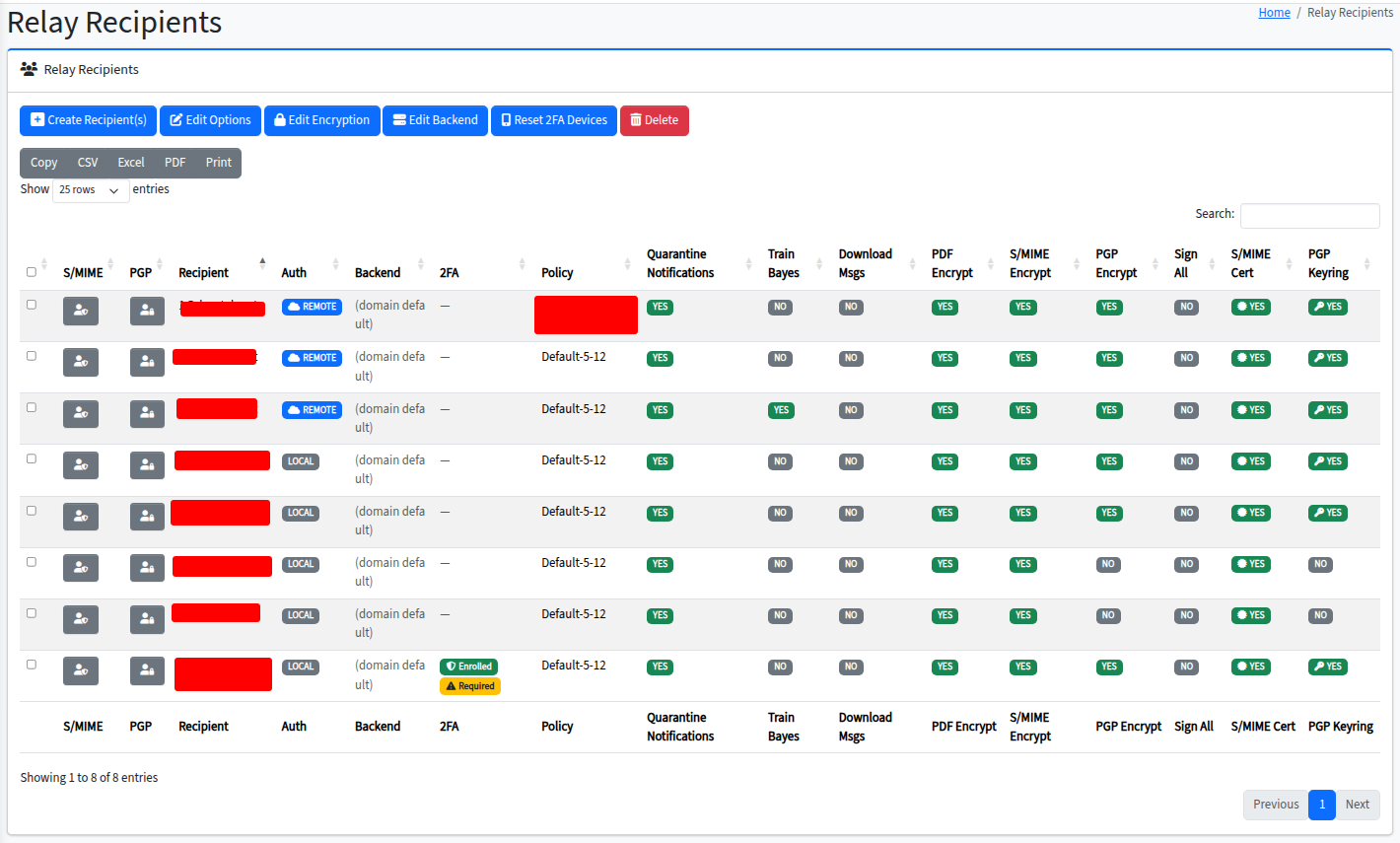
Hermes treats encryption as table stakes, not an upsell. SMTP TLS protects mail in transit between servers. S/MIME and PGP (via CipherMail) handle end-to-end encryption for recipients with public keys. For everyone else, Hermes can deliver encrypted PDF email — the message body becomes a password-protected PDF attachment that the recipient unlocks with a pre-shared secret. At rest, Dovecot mail-crypt encrypts every mailbox on disk; even an attacker with filesystem access can’t read message bodies without the key.
An internal Certificate Authority, managed from the admin console, signs S/MIME certificates for your users. Third-party SSL certificates are supported for organizations with existing PKI; Community Edition also includes Let’s Encrypt (ACME) automation for the console and per-domain certificates.
Email authentication standards
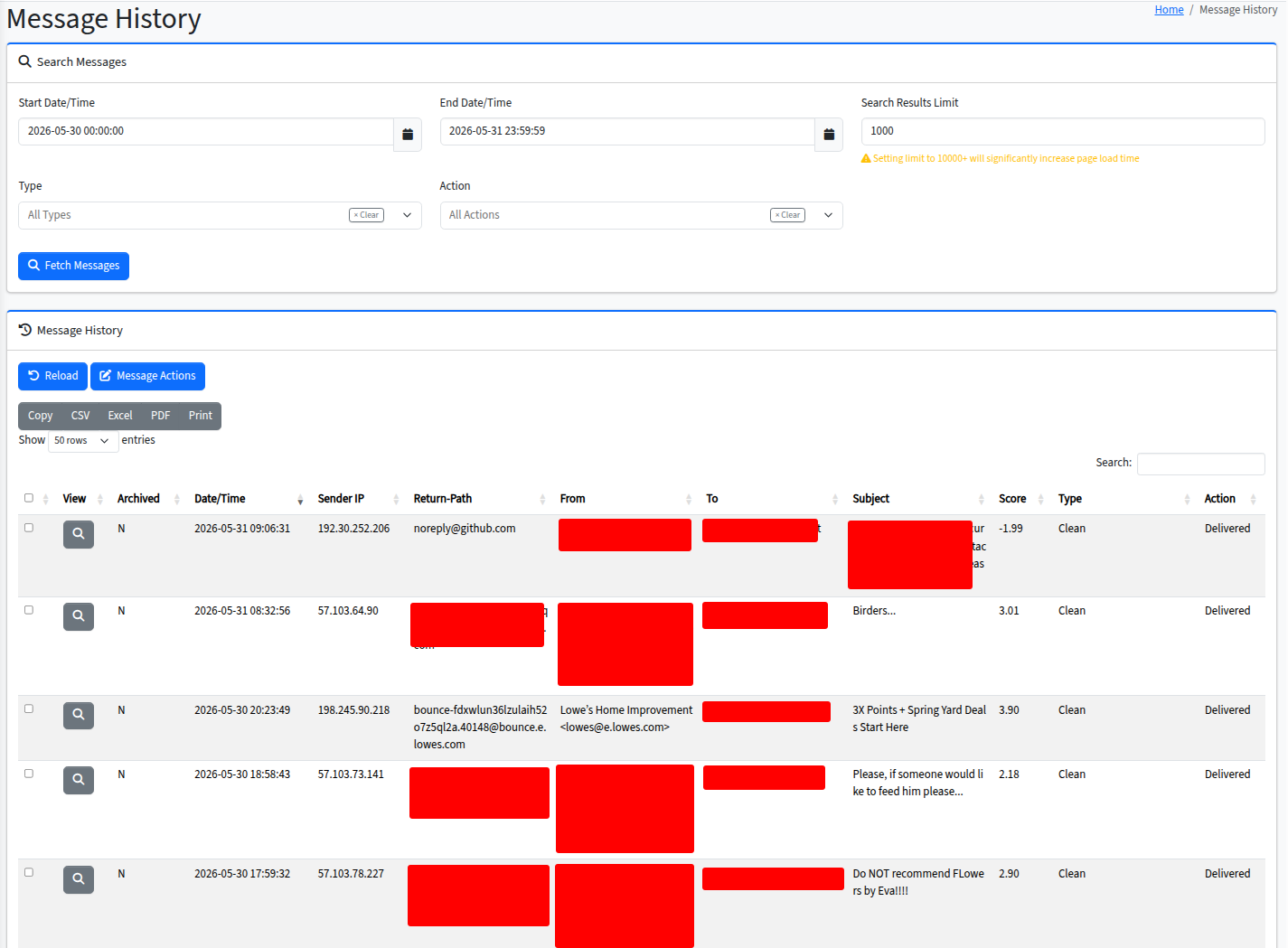
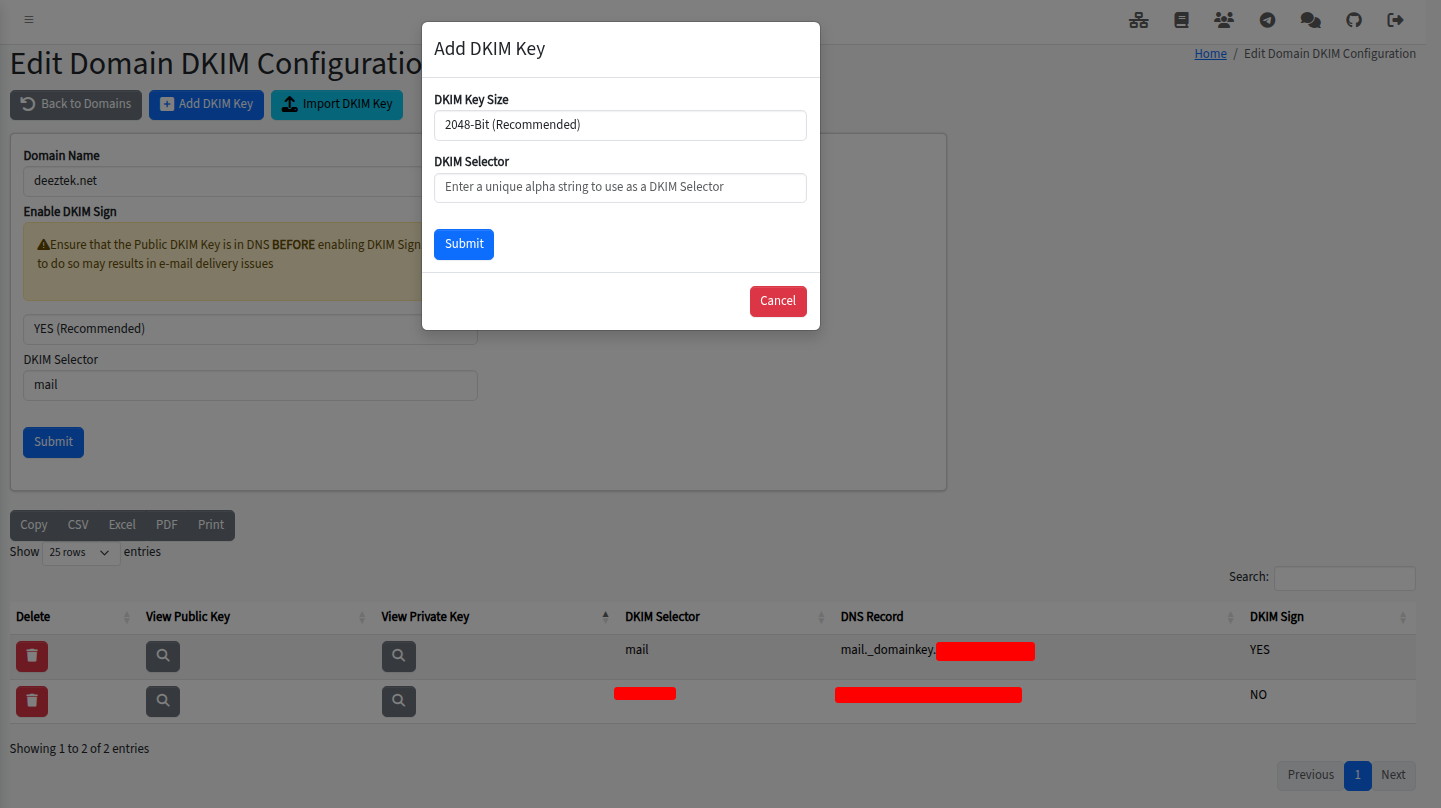
Hermes is an opinionated implementation of modern email authentication. SPF is checked on every inbound message and surfaced in the message history. DKIM is both verified inbound and signed outbound by a multi-instance OpenDKIM — you can sign with different selectors per domain, rotate keys, and verify against multiple signatures on the same message without policy juggling. DMARC is enforced via OpenDMARC with full report aggregation, so the receiving-side mailbox reports upstream domains expect come out of Hermes automatically. ARC integration via OpenARC means forwarded mail through Hermes keeps its authentication chain intact.
DKIM key generation and management is a UI feature, not a shell ritual. Add a domain, generate a key, copy the public-record TXT for your DNS, and Hermes signs from that point forward.
Identity, MFA, and SSO
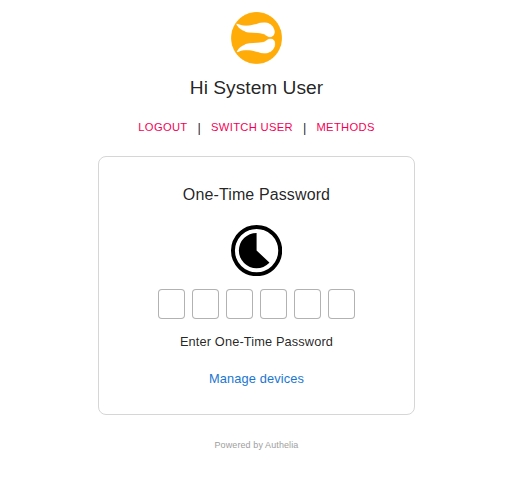
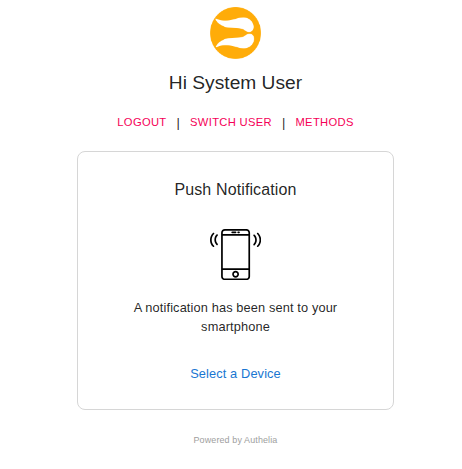
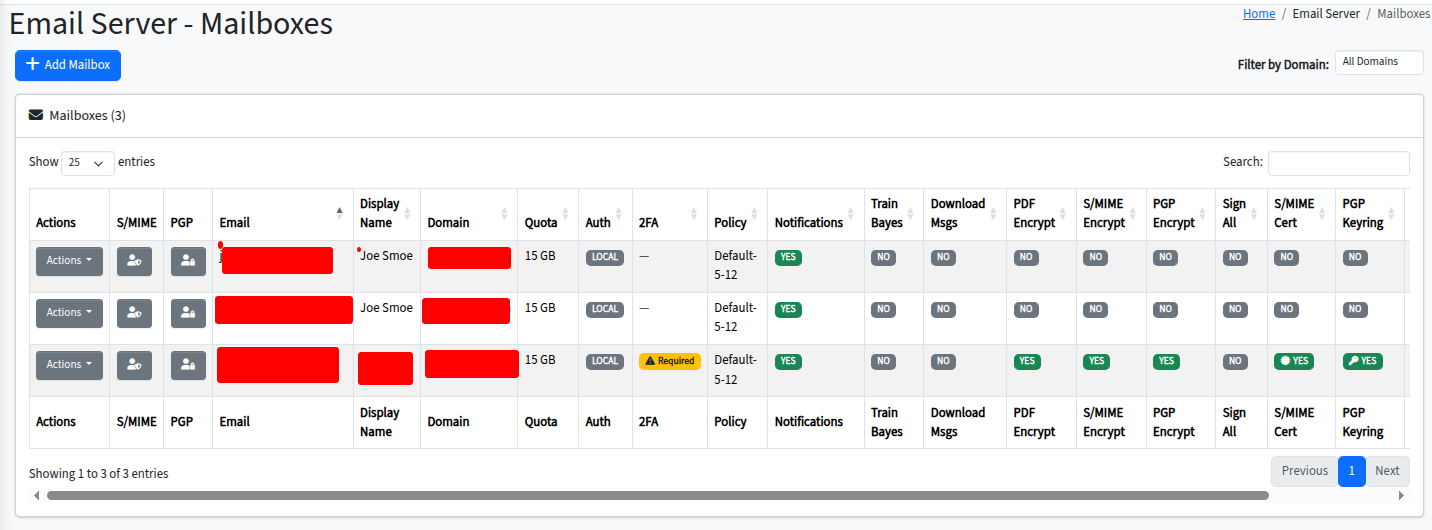
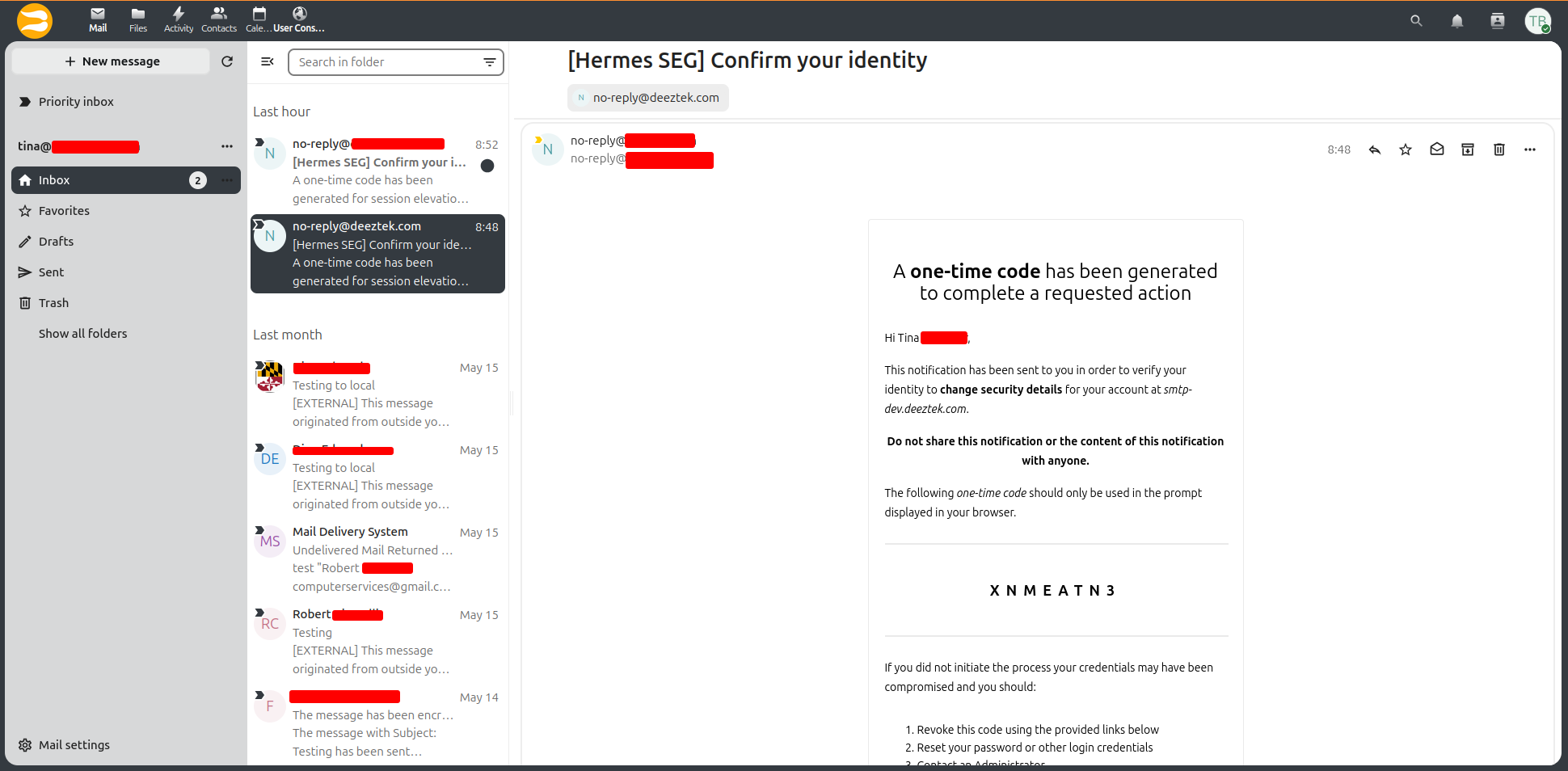
Authelia provides single sign-on across the admin console, the end-user portal, webmail, calendars, and Nextcloud. Local users live in OpenLDAP; multi-factor authentication supports TOTP (Google Authenticator and compatibles), WebAuthn (security keys and platform authenticators), and Duo Push. App passwords let mail clients (SMTP, IMAP, CalDAV, CardDAV) authenticate without exposing the primary account password, and each app password can be revoked individually.
Have-I-Been-Pwned integration checks user passwords against the published breach corpus at change time, blocking known-compromised passwords without ever sending them across the network. Pro Edition adds LDAP RemoteAuth for per-domain pass-through authentication against Active Directory or other external LDAP servers — see Pro features.
Mail server and mailbox hosting
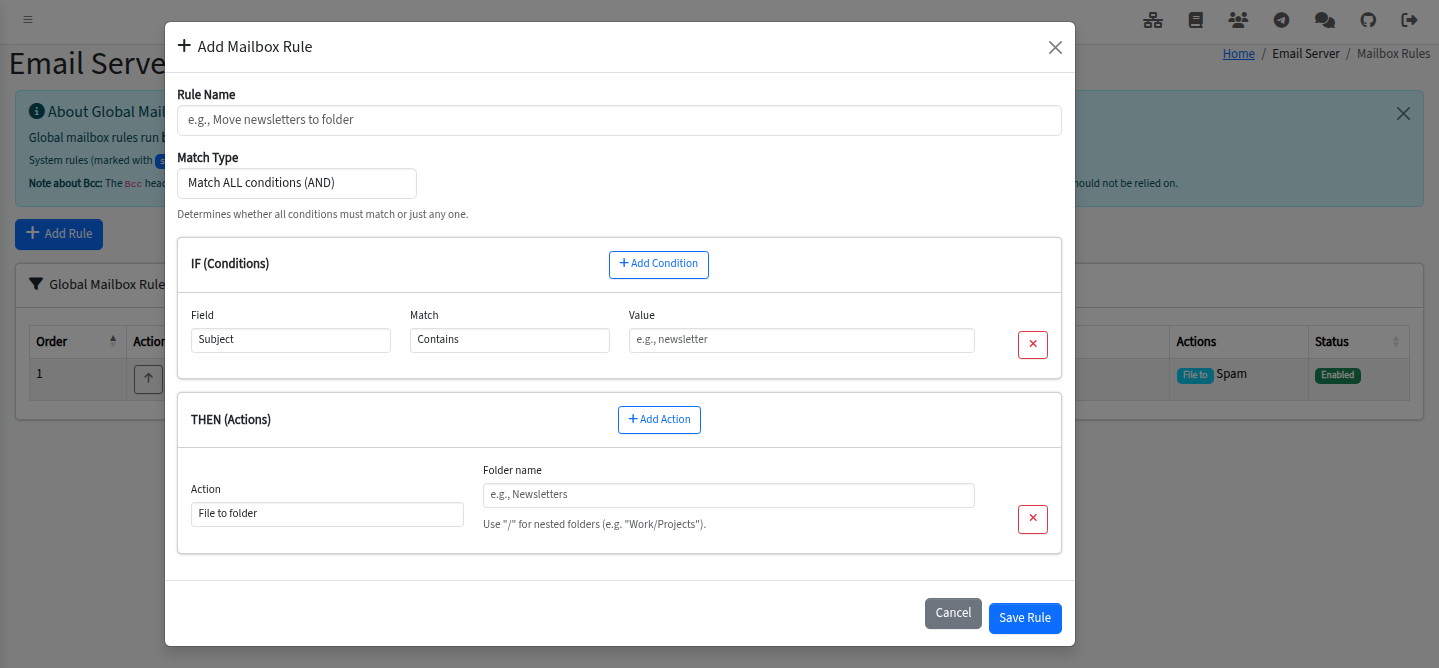
When you run Hermes in full-mail-server or hybrid mode, Dovecot 2.4 provides mailbox hosting over IMAPS, POP3S, the Submission ports (587 and 465), and LMTP for internal delivery. Quotas can be set per-domain or per-mailbox, with overage warnings sent to users automatically. Shared mailboxes and shared folders are first-class, with ACLs managed from the admin console. User-defined Sieve rules let mailbox owners filter, file, forward, and auto-reply on their own without admin involvement.
Mobile clients configure themselves via signed Apple Configuration Profiles (`.mobileconfig`) and standards-based autodiscovery; users open a single URL on a phone and the device is set up. Vacation auto-replies have date scoping built in. Personal email signatures are managed by each user from a template gallery, and an external-sender banner is added to inbound mail from outside the organization to cut down on spear-phishing.
Nextcloud bundle
Hermes Docker Edition includes Nextcloud as a first-party component: file sync (Nextcloud Files), webmail (Nextcloud Mail), calendars over CalDAV, and contacts over CardDAV. Single sign-on through Authelia is wired up out of the box, with OIDC as the auth protocol; users land in Nextcloud already authenticated, and accounts are pre-provisioned on first login so admins don’t manually mirror users between systems.
Nextcloud runs in its own container with its own Redis cache, on its own storage tier — you can give it dedicated disk for file growth without affecting mailbox storage performance. Updates follow Nextcloud’s own release cadence and are applied via the same docker-compose update flow as the rest of the stack.
Admin console and end-user portal
The administrator console is built on AdminLTE 4 and Bootstrap 5: a modern, responsive interface that runs on phones and tablets as well as laptops. The dashboard shows real-time system resource utilization (CPU, memory, disk, network) and message statistics rendered as charts. Scheduled tasks are managed through an Ofelia-driven UI — you can see exactly which jobs run when, their last run, and any errors.
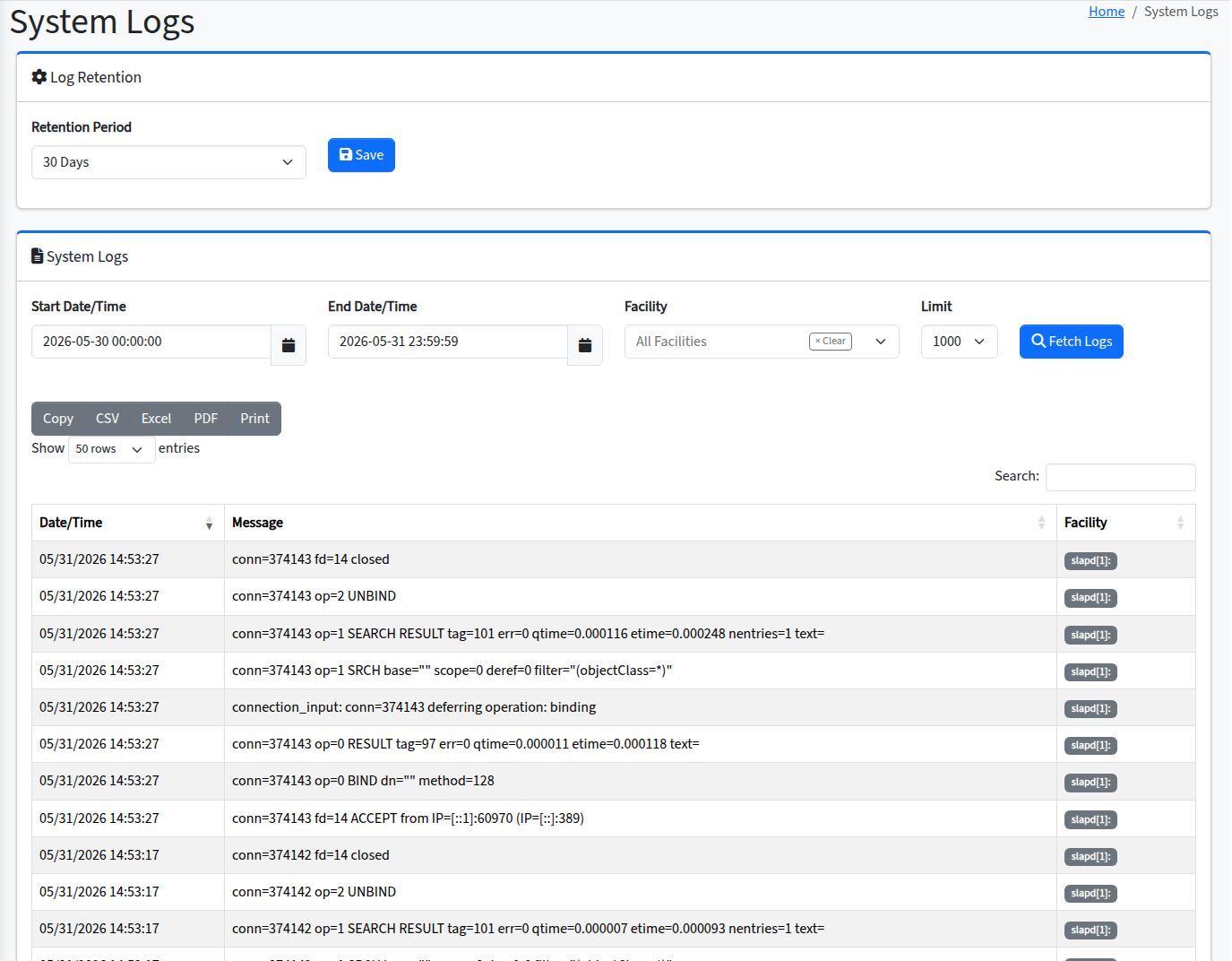
System event logs are searchable and filterable. The internal CA is managed from the console. A local recursive DNS resolver (Unbound) ships with the stack so Hermes is never dependent on upstream DNS reliability. Console host and domain management are UI features, not config-file edits.
The end-user self-service portal lets users manage their own password, MFA tokens, app passwords, mail forwarding rules, vacation auto-replies, and quarantine releases without admin involvement. Less load on your help desk; faster turn-around for the people actually doing the work.