
Hermes SEG Pro
Pro is a commercial add-on that layers six operational, administrative, and security features on top of the free Community Edition. Same gateway, same mail server, same encryption. Pro adds the capabilities production deployments and managed-service providers consistently ask for. Licensed per server, monthly or annually.
Link Guard (safe links)
Modern phishing increasingly weaponizes links after delivery — a URL that scanned clean when the message arrived points to a malicious payload by the time the recipient clicks. Link Guard closes that gap with time-of-click protection: inbound links are rewritten to a Hermes redirect, and the destination’s reputation is evaluated at the moment of the click rather than only at delivery.
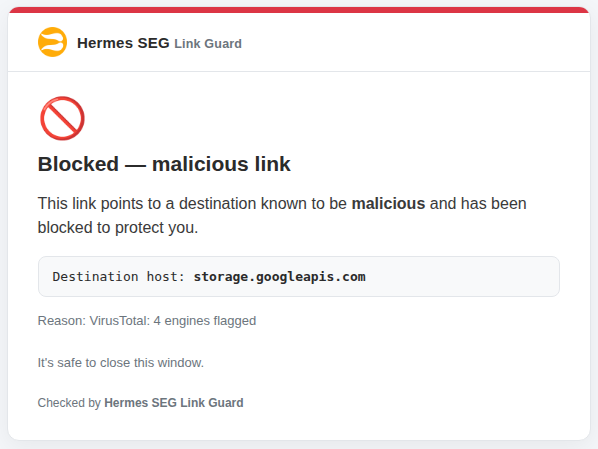
Verdicts are layered — local heuristics, the URLhaus and OpenPhish blocklist feeds, and optional Google Safe Browsing / VirusTotal lookups — with admin-configurable actions per tier (block, warn, or allow) and transparent restoration of legitimate links. Link Guard runs in-stack or on a separate host for isolation and scale.
Email disclaimers
Per-domain outbound disclaimer templates — the standard “this communication is confidential” footers that compliance, legal, or marketing teams want appended to every outgoing message. Disclaimers are applied at the milter level on the Postfix pipeline, which means they’re applied to every outbound message regardless of which mail client or system generated it. No client-side configuration, no missed messages.
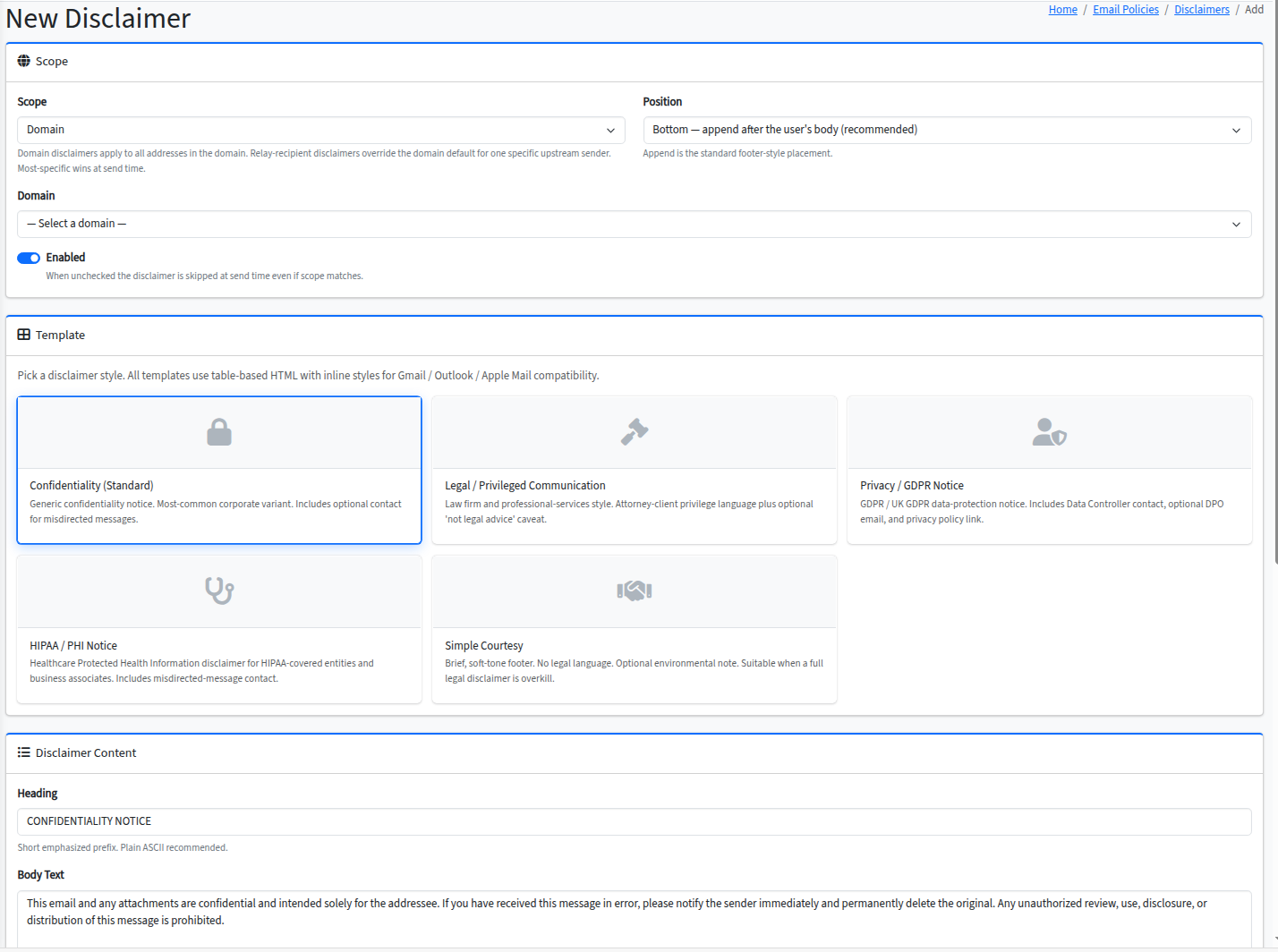
Templates support placeholder substitution — sender name, sender email, date, organization name — so a single template covers the whole domain. Different domains can have different disclaimers; you don’t need separate Hermes installs to serve multiple brands.
Organizational signatures
Centrally-managed, per-domain employee signature templates with placeholder substitution. Community Edition includes personal email signatures — users manage their own signature from a template gallery. Pro adds the organizational tier: an administrator defines a domain-wide template (with fields like name, title, phone, organization), and the system substitutes per-user values from the directory at send time.
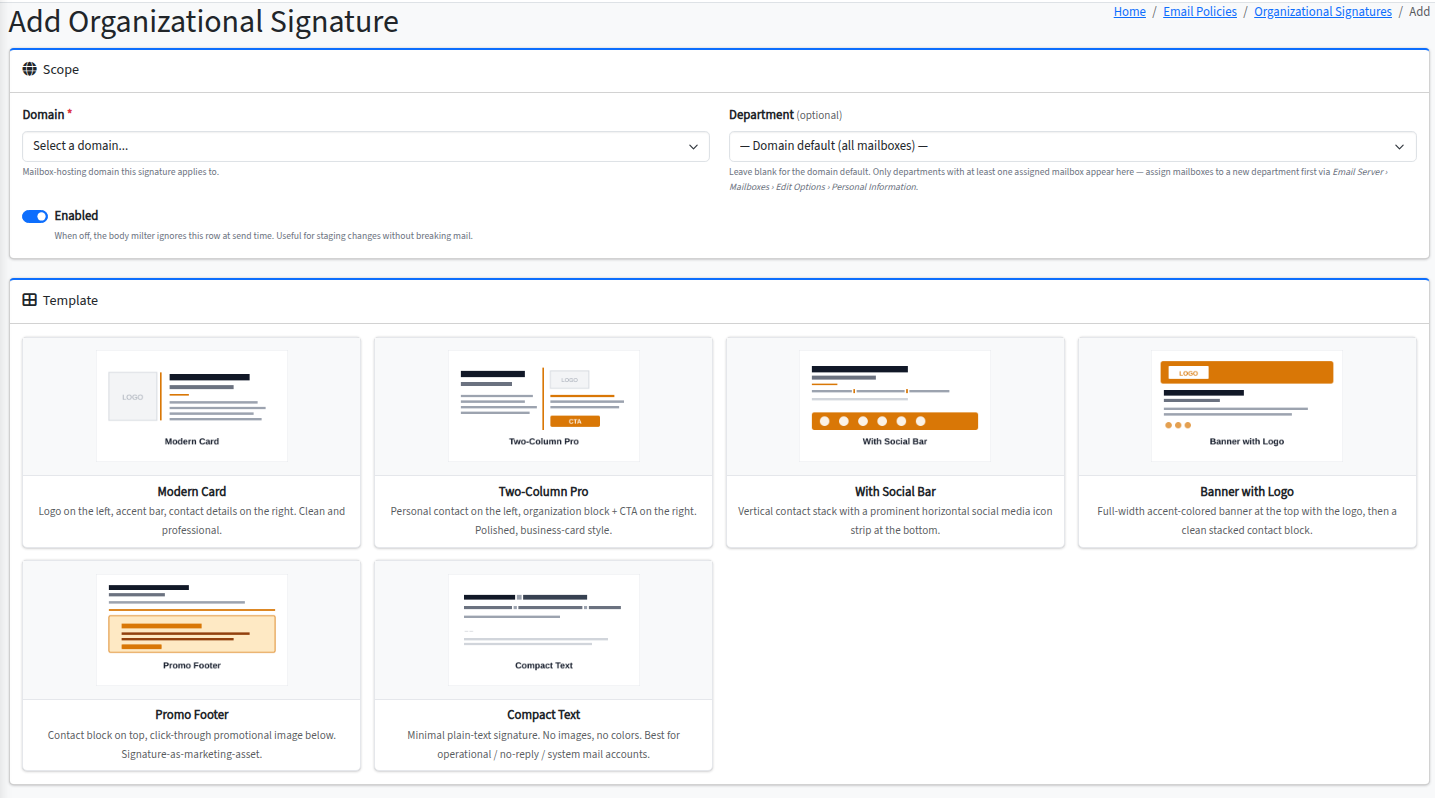
Combined with email disclaimers and DKIM signing at the milter level, this lets organizations enforce branding, contact-info accuracy, and legal text on every outbound message without depending on mail clients to behave.
Intrusion Prevention (IPS)
A web UI for managing the Fail2ban jails that protect a Hermes deployment. Set ban thresholds, ban durations, and whitelist trusted source networks from the admin console rather than editing config files on the host. View live and historical ban lists. Tune jail aggressiveness without an SSH session.
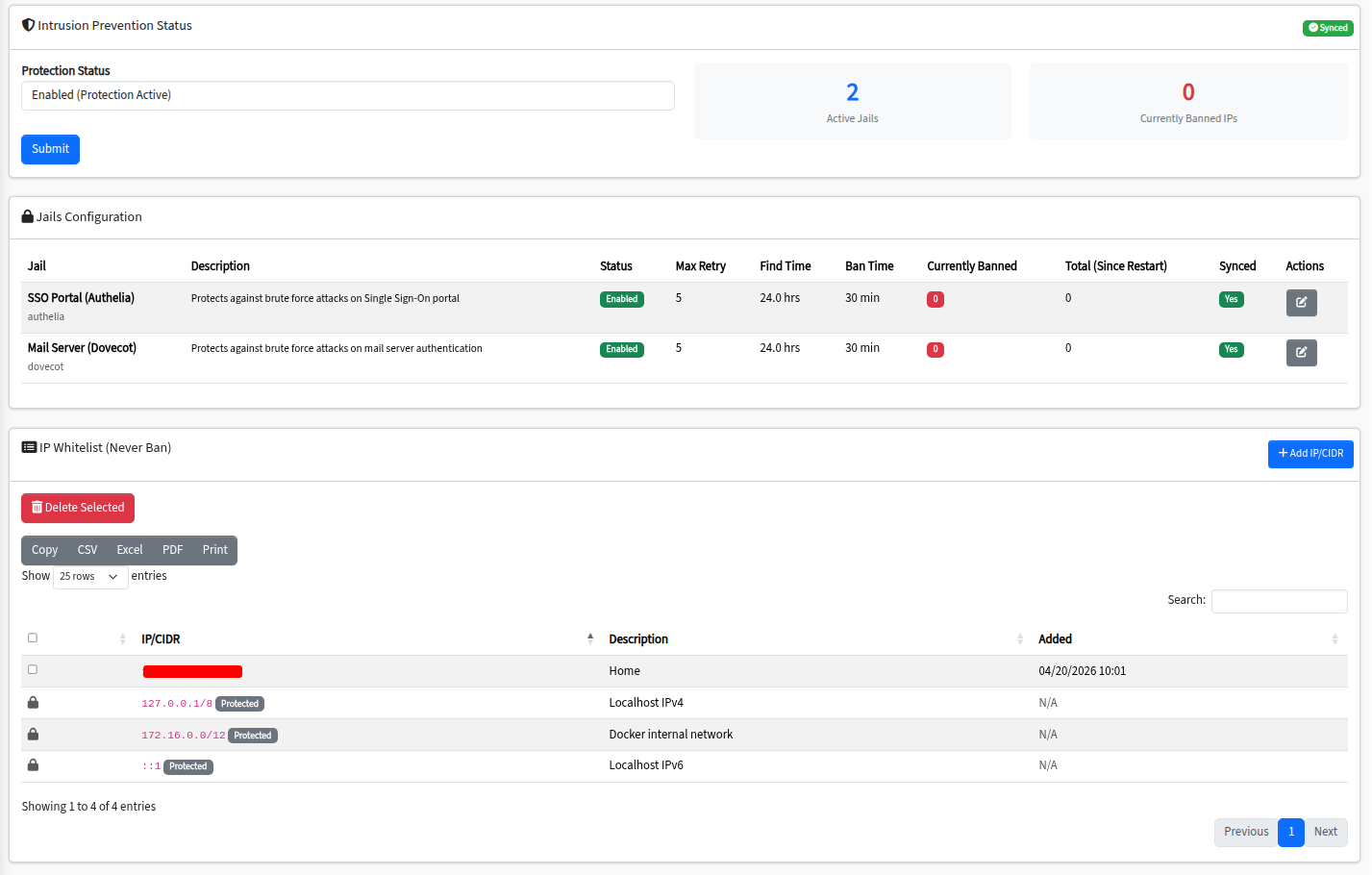
The default Fail2ban configuration that ships with Community Edition continues to provide baseline protection — SSH, SMTP, IMAP, and admin-console brute-force protection are active out of the box. Pro adds the operational layer for organizations that need to tune jails on a schedule or in response to incidents.
Console firewall
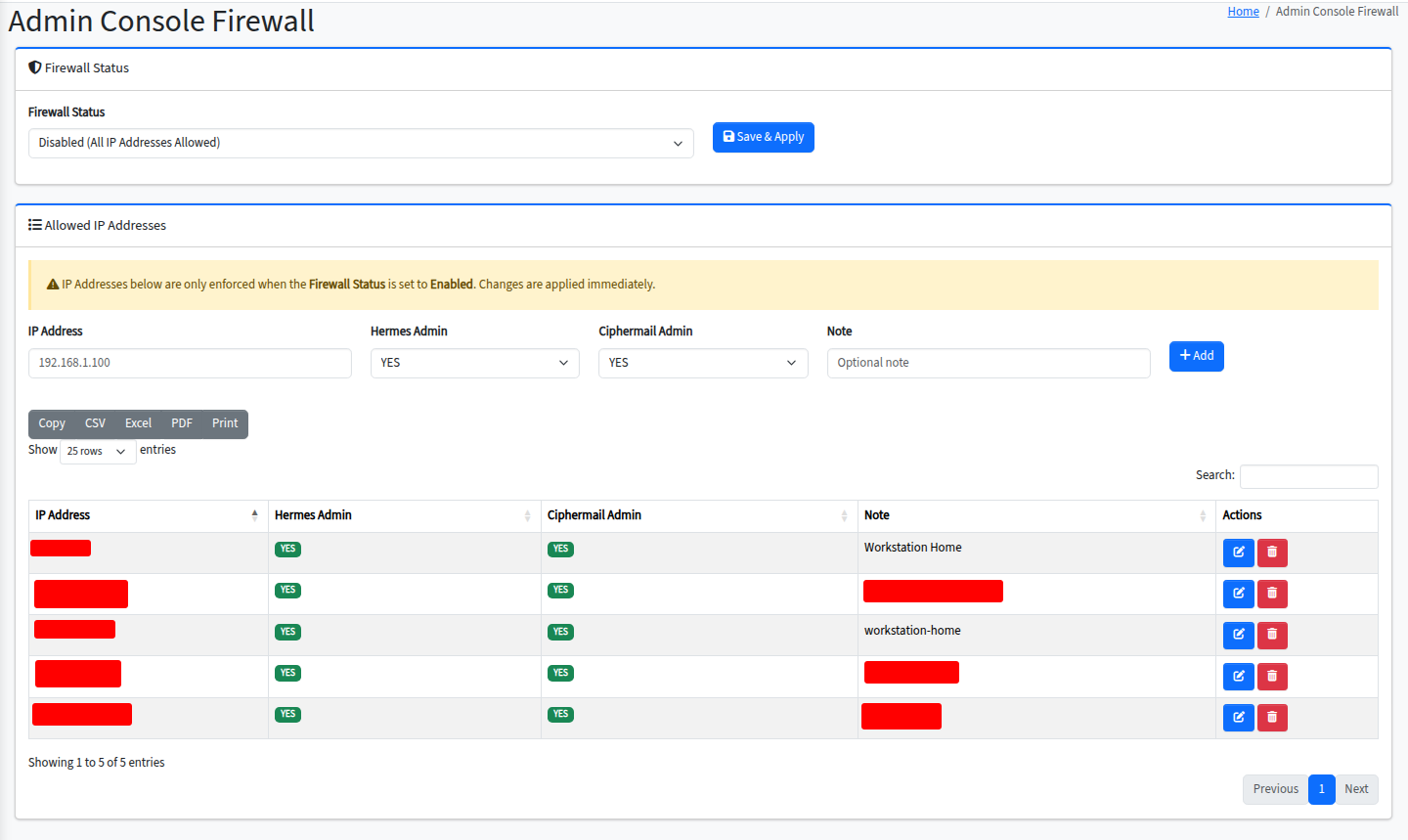
A web UI for managing the host firewall protecting the Hermes admin console. Restrict console access by source IP or network, manage exceptions, and audit the current rule set from the admin console itself. Common operational requirements — allowing access only from corporate VPN ranges, or temporarily opening a maintenance window from a vendor IP — become a UI workflow instead of a shell session.
LDAP RemoteAuth
Per-domain pass-through authentication to one or more external LDAP servers, including Active Directory. Users authenticate against your existing corporate directory; Hermes never stores or sees their primary password, but they still get access to mailbox hosting, webmail, Nextcloud, and the end-user portal.
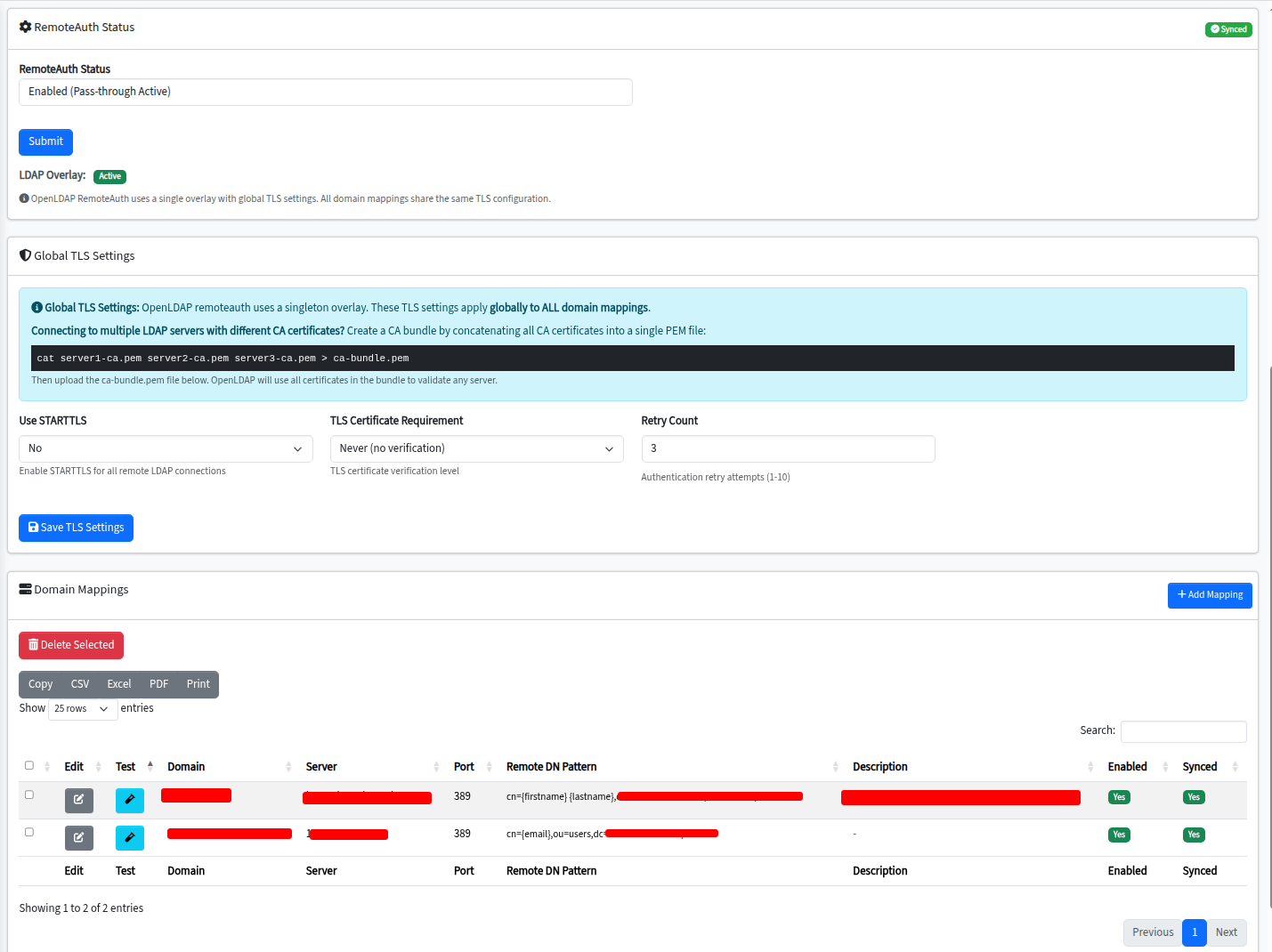
Different domains on the same Hermes install can authenticate against different directories. A multi-tenant MSP deployment can serve a dozen customers, each with their own Active Directory, from one Hermes install — without provisioning and syncing user accounts into Hermes’s local OpenLDAP.
Same product, with operational ergonomics
Pro is not a different product. It’s the same Community Edition with six additional features that production teams have asked for. Community Edition is free and open source under the AGPLv3 — including for commercial use, with no per-mailbox or per-seat fees. Nothing is taken out of Community to sell Pro — its encryption, mail-server, Nextcloud integration, and core security all work identically in both editions, and everything described on the features page is unchanged. Pro only adds capabilities on top, including Link Guard, its one net-new security layer. Pro customers receive a serial number that unlocks the six Pro features in their existing Hermes install; activation is online and bound to the appliance’s hardware UUID.
Support
Two Pro license tiers exist: license-only, and license-plus-support. The license-plus-support tier includes two support incidents per year — one incident covers one defined issue worked to resolution. Additional incidents can be purchased individually at any time. For complex deployments or MSPs needing higher-touch support, contact us for annual support contracts. See the pricing page for details.